Process
How these patterns actually get made
These patterns start as an actual drawing, done by hand, not generated. I know that's the assumption these days, so let's get it out of the way early: every one of these begins with me actually drawing it.
The drawing happens in Procreate, on an iPad, one shape at a time. I went through a phase of using an app literally called Pattern Draw, thinking it would speed things up. It didn't, not really, and it didn't feel like mine the same way. I came back to Procreate and stayed.
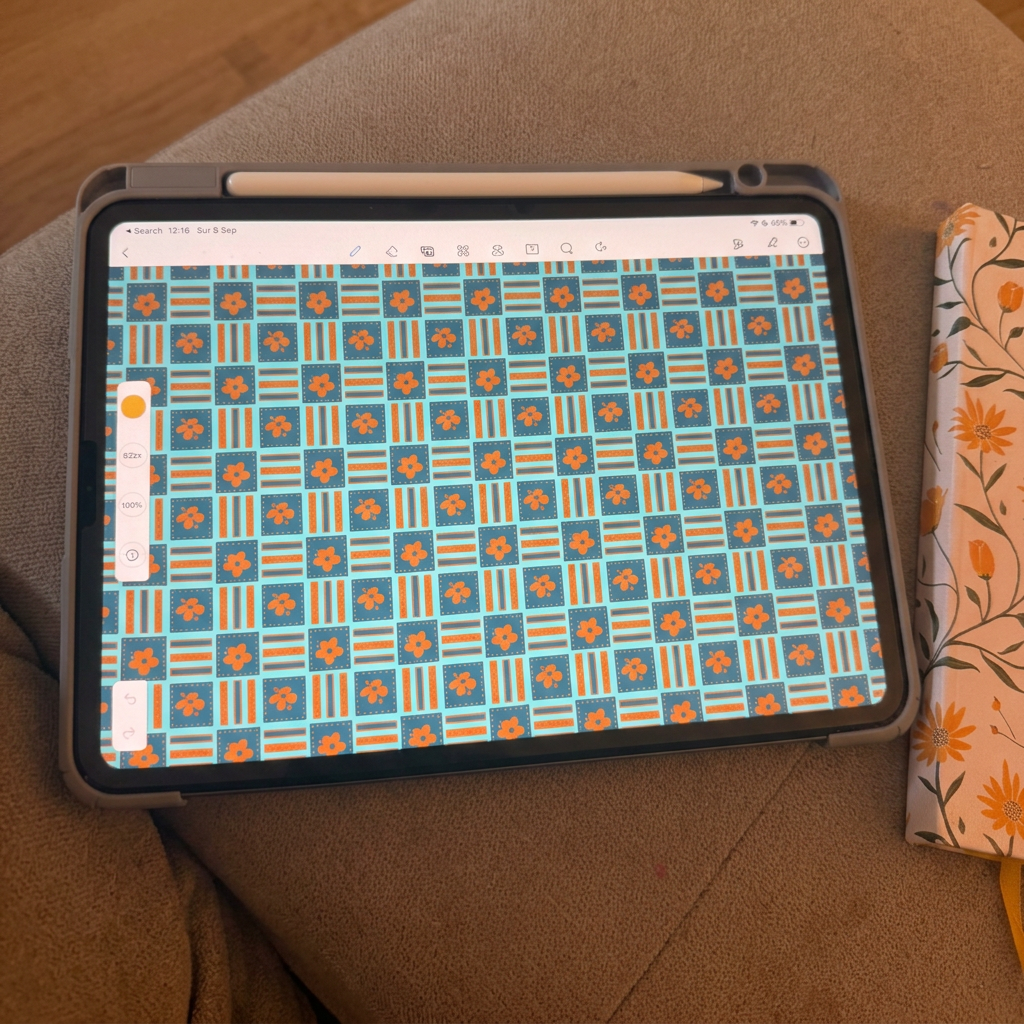
At first I tried playing with colours right there in Procreate too, but there's only so far that gets you, a handful of colourways and then you're stuck redrawing the same thing over and over. So I learned to build the pattern differently from the start, in a way that would actually let me play with colour properly once I moved it into Photoshop, background on its own layer, every foreground element separate from the others. That's the part that changed everything. One drawing, built the right way, can become a hundred different moods instead of just a handful.
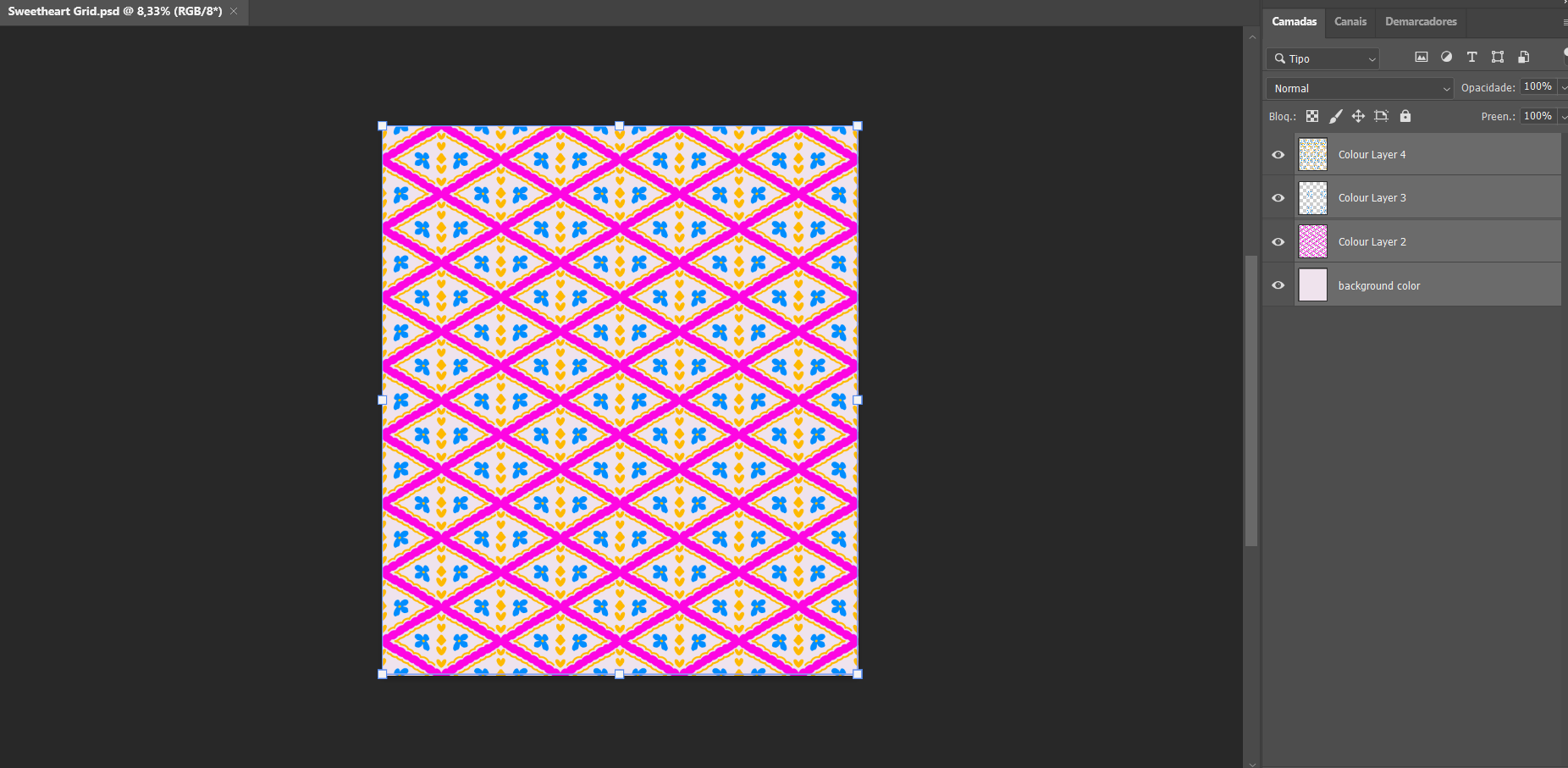
It's also why I sell the PSD files themselves. If you want to do what I do, pick your own colours, build your own colourway, the fully layered file is right there for you to do exactly that.
So: every pattern starts as a real drawing, made by hand, nothing generated. What happens after that, the colour, the variations, is where the fun and the craft actually live.